Tic Tac Toe Lab Exercise Part 4-5
Step 4
The state of the game should be rendered to the user.
a. Create a function called render, then set it aside for now.
b. Create a function called updateBoard.
c. In the updateBoard function, loop over board and for each element:
-
Use the current index of the iteration to access the corresponding square in the
squareEls.📖 Check out the MDN documentation on
forEach()to help out with this! What do you have access to in the callback function that could help with this? -
Style that square however you wish, dependent on the value contained in the current cell being iterated over (
'X','O', or''). To keep it simple, start by just putting a letter in each square depending on the value of each cell.
d. Create a function called updateMessage.
e. In updateMessage, render a message based on the current game state:
- If both
winnerandtiehave a value offalse(meaning the game is still in progress), render whose turn it is. - If
winnerisfalse, buttieis true, render a tie message. - Otherwise, render a congratulatory message to the player that has won.
f. Invoke both the updateBoard and the updateMessage functions inside your render function.
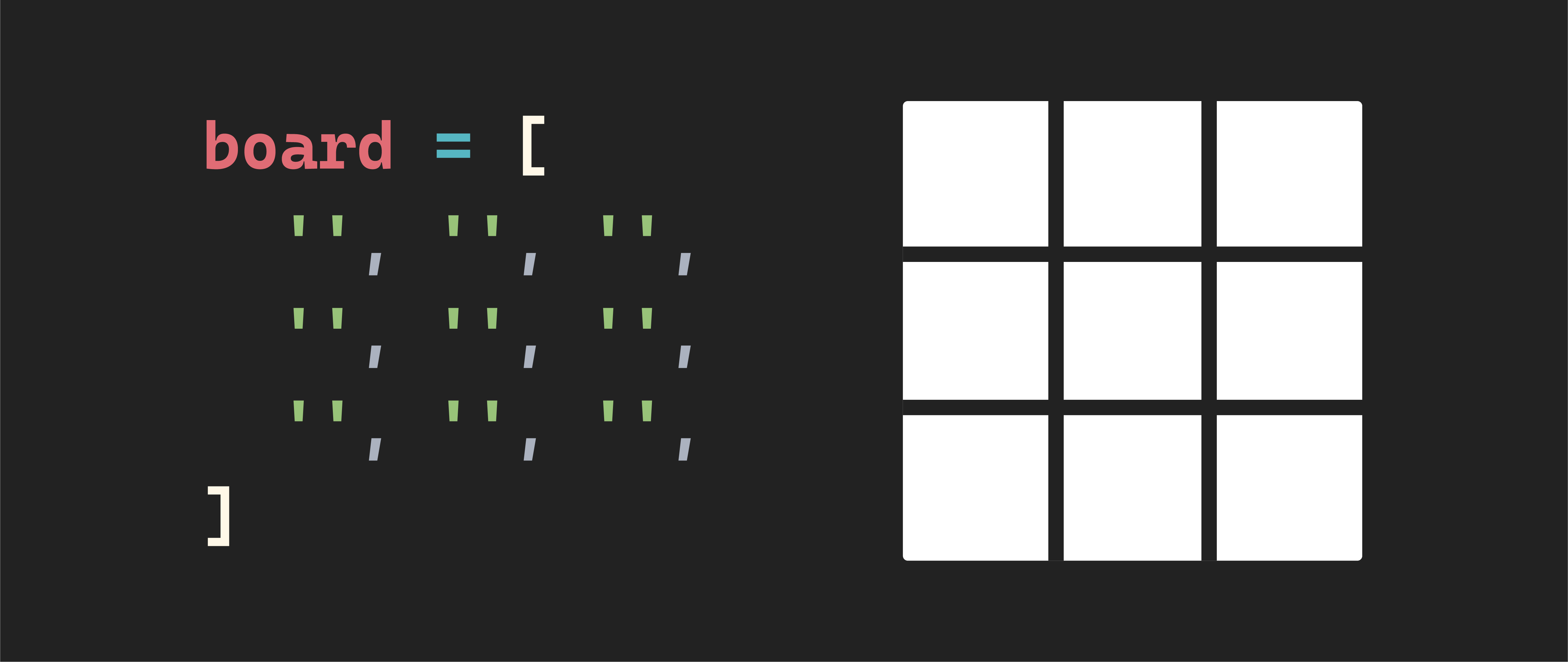
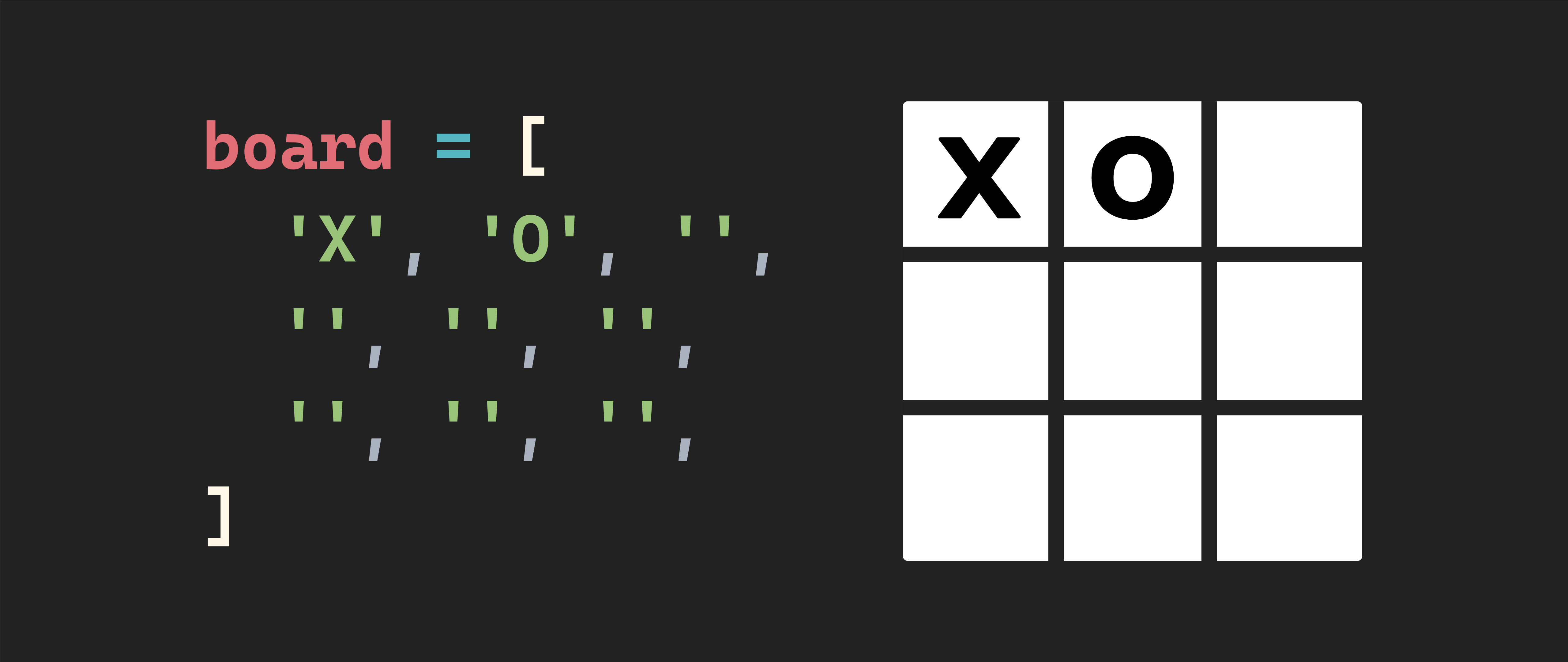
After completing all of step 4, you should be able to manually change the values held in the board array in the init() function and see the style of the corresponding square change on your page.
For example, when the board array is a collection of empty strings, you should see something like this:
If the board holds an X and O in the top left and top middle positions, you should see something like this:
Step 5
Define the required constants.
a. In a constant called winningCombos, define the eight possible winning combinations as an array of arrays.
-
Want a hint of what this will look like?
💡 To get you started, this will look like:
const winningCombos = [
  [0, 1, 2],
  [3, 4, 5],
  // and so on
]
In this array of arrays, the first array (
[0, 1, 2]) represents a winning combination on the board’s top row. The second array ([3, 4, 5]) represents a winning combination on the middle row of the board. Use the above as a scaffolding to build the six remaining winning combinations.
🧠 Each array will contain three indices of the board that make a winner if they hold the same player value (
'X'or'O').