Intro to PowerShell Lab Gathering System Information and Process Management
Learning objective: By the end of this exercise, students will be able to retrieve system information and perform basic process management tasks using PowerShell.
Commands to learn
Get-Process: Displays the processes running on the local computer.Stop-Process: Stops a running process.Get-Service: Retrieves information about services on the local computer. This cmdlet is only available using PowerShell in Windows.Start-Service: Starts a service. This cmdlet is only available using PowerShell in Windows.Stop-Service: Stops a service. This cmdlet is only available using PowerShell in Windows.Get-ComputerInfo: Retrieves detailed information about a Windows computer system. This cmdlet is only available using PowerShell in Windows.
Practice
PowerShell provides a wealth of cmdlets for gathering system information and managing processes. Let’s explore some useful commands that will help you gain insights into your system and control running processes.
-
Use
Get-Processto display a list of running processes on your computer. The output will look something like the below: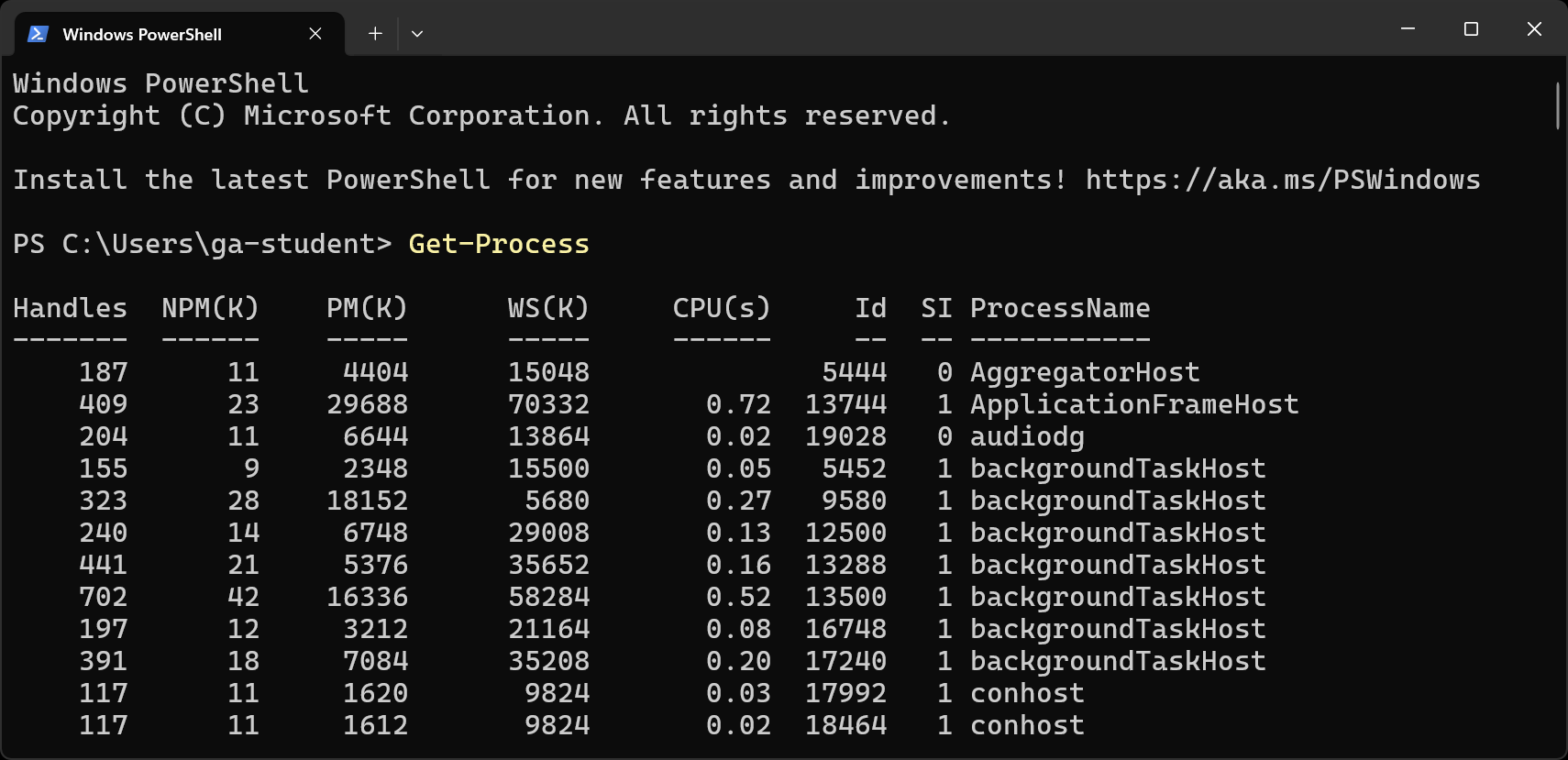
-
Identify a non-critical process (for example, a text editor) and stop it using
Stop-Process.
🚀 Feel free to check out more of the commands above using the PowerShell app in Windows.